Product Info
| Uses | Unlimited Domains |
| Source | Original Authors |
| License | GPL |
| Version | ws-form-pro-1.12.12.zip |
| Last Updated | 28 Sept 2026 |
Get with Membership
Access 500+ products
Starter
₹799
5/day
Premium
₹1,299
10/day
Developer
₹1,999
15/day
Wordpress Plugins
WS Form Pro
Choose Plan
ONE YEAR UPDATE
1 Year download access
₹399
LIFETIME UPDATE
Lifetime download access
₹599
What You Get
Original GPL Licensed Files
Unlimited Domain Usage
Instant Download Access
Free Manual Updates
100% Clean & Virus Free
Secure Payment
Instant Access
Free Updates
Product Description
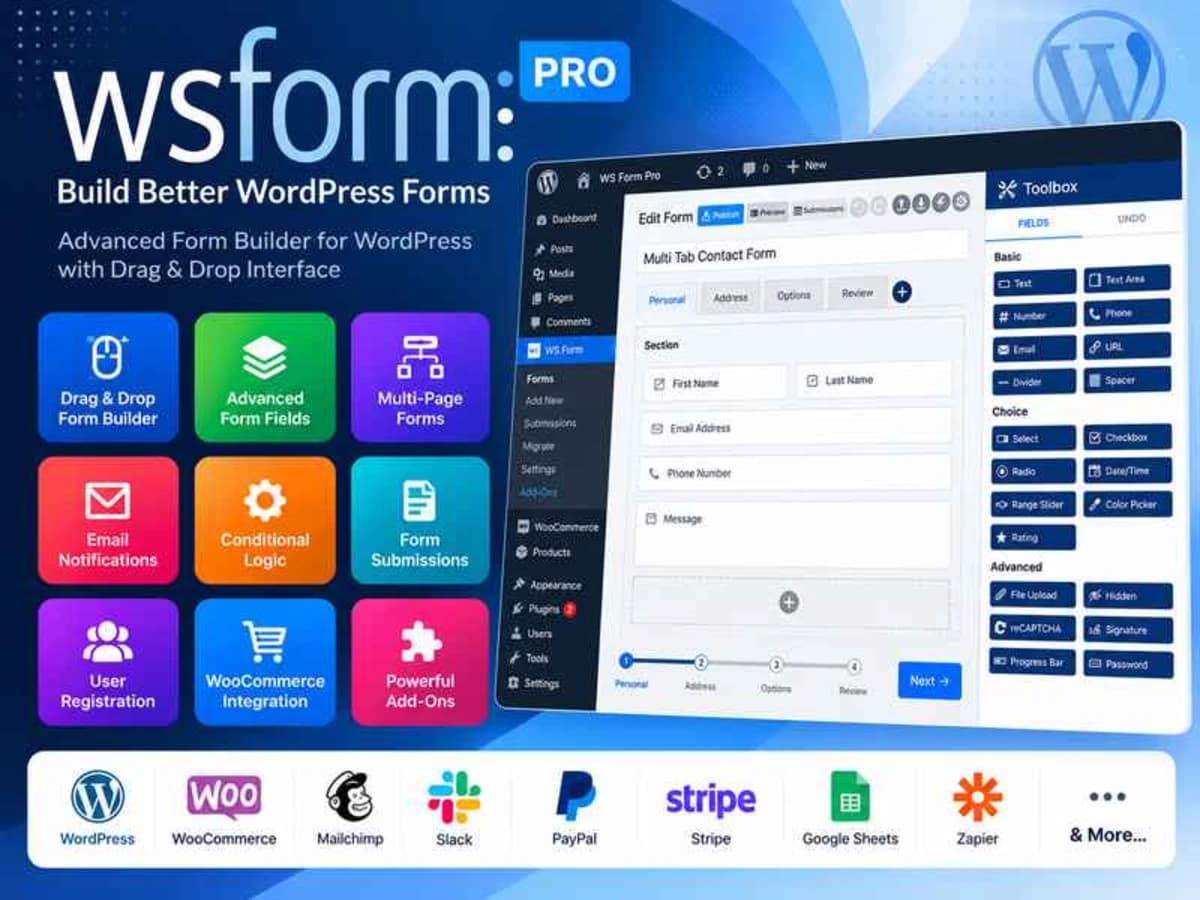
WS Form Pro is a visual form builder for WordPress that goes well beyond simple contact forms. If you have ever tried to build a multi-step application form, a price calculator, or a dynamic survey with a basic form tool, you know how quickly you hit a wall. This plugin is built for those more demanding jobs.
It is aimed at freelancers, site owners, and agencies who need forms that collect data intelligently, react to user input, and look right on any device without custom coding. Instead of juggling three different add-ons for conditional logic, calculations, and layout control, you get it all in one interface. You can use the untouched GPL file we provide here to build forms locally, test out tracking scripts, conditional flows, and layout options, and see if it fits your workflow before you commit to anything for a live client project.
Core Features and Why They Are Useful
1. Visual Drag and Drop With Real Responsive Control
Most builders claim to be responsive, but WS Form Pro gives you true breakpoint-specific control. You can drag, resize, and arrange columns, then adjust how they behave on tablet and mobile. It can even output native Bootstrap or Foundation markup if your theme relies on it, so your forms do not look out of place.
2. An Abnormally Large Field and Template Library
You get over 55 field types ready to use — from standard text and select fields to ratings, signatures, and file uploads — and more than 100 starter templates. The templates are not static either; they dynamically pull in your custom fields and repeaters. It saves a lot of manual setup when you need a booking form or a questionnaire that already includes validation and accessibility attributes.
3. Serious Conditional Logic
This is where WS Form stands apart. We are talking about 100+ IF conditions and over 50 THEN/ELSE actions. You are not limited to just showing or hiding a field. You can change values, run calculations, send data to different endpoints, or alter the form flow based on what a user types or selects. For complex quoting or application forms, this level of logic is essential.
4. Calculated Fields and Variables
If you need to build a loan calculator, BMI checker, shipping cost estimator, or any form that does math, the calculated fields are very practical. With 200+ variables and functions, you can create live calculations that update as the user types. The built-in calculator templates let you get a working prototype with one click.
5. Repeatable Sections Without Extra Code
Need to let users add multiple attendees, products, or work experiences? The repeater feature lets you make any section of the form repeatable with a single toggle. No need to install another plugin or write custom JavaScript to duplicate fields. It just works, including any conditional logic inside the repeated block.
6. Integrated Debug Console
Testing long forms manually is tedious. The built-in debug console is a real time-saver — it can auto-populate a complex form and submit it in one click so you can check validation, logic, and integrations instantly. It also logs events and errors in detail, which helps you spot why a form is not submitting.
Practical Use Cases Where It Shines
Complex Client Onboarding Forms
Imagine a marketing agency that needs to collect business details, brand assets, and service preferences. With multi-step tabs, conditional sections that only appear if the client selects “E-commerce,” and repeaters for adding team members, you can build a single, guided form that feels professional and does not overwhelm the user.
Instant Price and ROI Calculators
For service businesses, coaches, or real estate sites, you can build a calculator that gives visitors instant value. A mortgage payment calculator, a renovation cost estimator, or a shipping quote form that calculates totals based on quantity, location, and options — all done inside the form without redirecting to an external tool.
Data-Driven Surveys With Custom Field Integration
If you use ACF, Meta Box, or Pods to manage content, WS Form Pro connects both ways. You can populate form options directly from your custom fields and then push submitted data back into those fields. This is perfect for front-end posting, user profile updates, or building a directory submission form that ties straight into your content structure.
Product Details
Versionws-form-pro-1.12.12.zip
CategoryWordpress Plugins
LicenseGPL
Downloads0
Last Updated28 Sept 2026
What You Get
Original GPL Licensed Files
Unlimited Domain Usage
Instant Download Access
Free Manual Updates
100% Clean & Virus Free
GPL vs Original
| Feature | GPL | Original |
|---|---|---|
| Original Files | ✅ | ✅ |
| Unlimited Downloads | ✅ | ✅ |
| Unlimited Websites | ✅ | ❌ |
| One-Time Payment | ✅ | ~ |
| No License Key | ✅ | ❌ |
| Author Support | ❌ | ✅ |