🎉 Special Offer — Save 10% on Everything! Use Coupon SAVE10
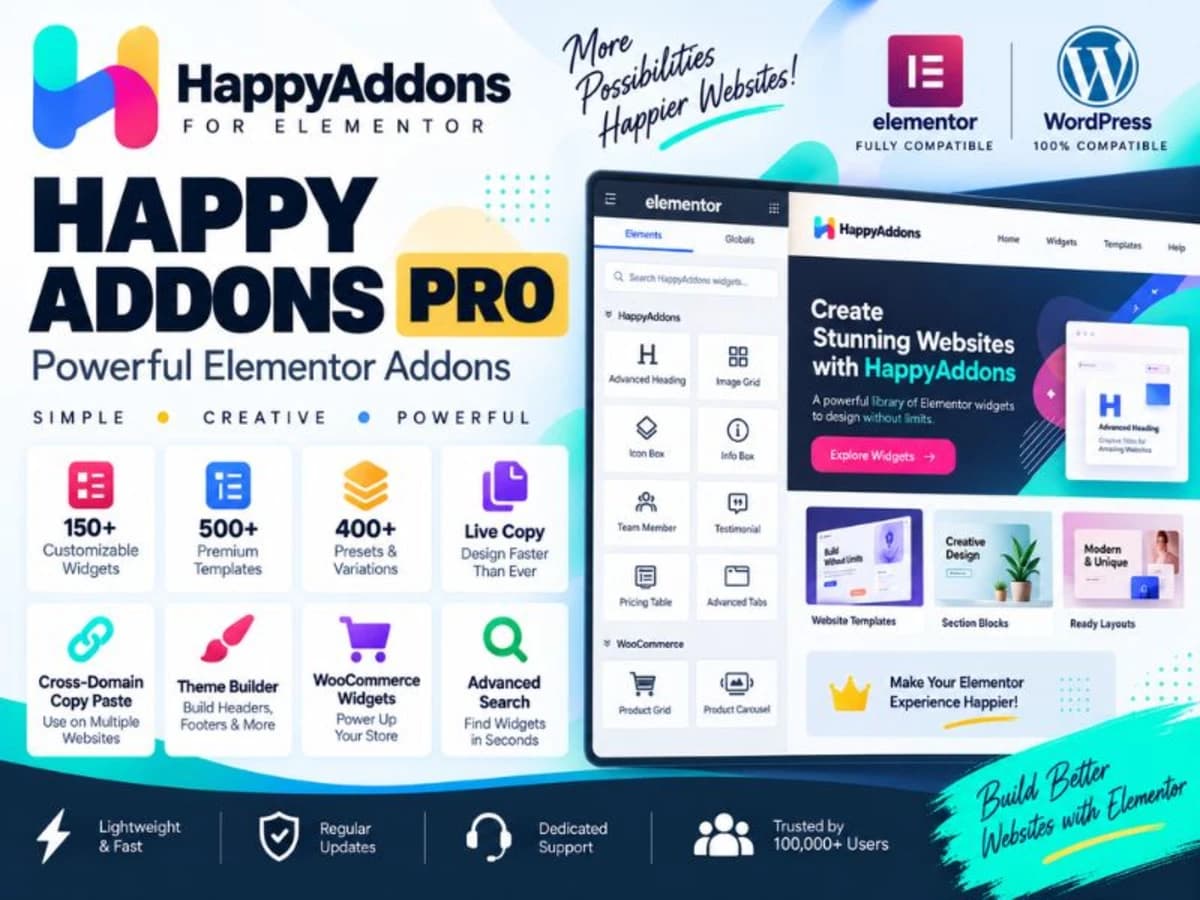
Happy Addons Pro For Elementor

Product Info

UsesUnlimited Domains
SourceOriginal Authors
LicenseGPL
Versionhappy-addons-pro-3.23.1.zip
Last Updated15 Sept 2026

Get with Membership

Access 500+ products

Starter

₹799

5/day

Premium

₹1,299

10/day

Developer

₹1,999

15/day

Get Membership
Elementor Addons

Happy Addons Pro For Elementor

Choose Plan

Lifetime Updates

Lifetime download access

₹399

One Year Updates

1 Year download access

₹399

What You Get

Original GPL Licensed Files
Unlimited Domain Usage
Instant Download Access
Free Manual Updates
100% Clean & Virus Free
Secure Payment
Instant Access
Free Updates

Product Description

Happy Addons is an add-on pack for Elementor that extends the free page builder with a much larger library of widgets and design utilities. If you use Elementor regularly, you know the free version covers the basics but can feel limiting when you need more advanced layouts like carousels, mega menus, or interactive lists. This plugin fills that gap without forcing you to write custom code. It is built for freelancers, small agencies, and site owners who build with Elementor and want more control over styling and functionality from inside the editor. Instead of juggling five different small plugins for a slider, a Google Map, and a menu builder, you get everything in one maintained package that stays consistent with Elementor’s interface and styling controls. The practical problem it solves is time and consistency. You get pre-built widgets that respect Elementor’s responsive controls, global colors and typography, so you can build client sections faster and keep the design system intact across the whole site. Core Features & Practical Value There is a lot packed in here, but these are the parts I find actually useful on real projects: 1. Advanced Widgets That Save Custom Development The collection includes over 100 widgets, and the more practical ones are the Advanced Google Map, Advanced Slider, Post Carousel, and ListGroup. The Google Map widget, for example, lets you add multiple markers, custom map styles, and info windows directly in Elementor, which is much cleaner than embedding an iframe and trying to style it with CSS. 2. Happy Menu & Mega Menu Builder If you have ever tried to build a decent mega menu with Elementor alone, you know it gets hacky. The Happy Menu system gives you a proper menu builder with dropdown controls, hover color settings for indicators, and responsive arrow positioning. You can design desktop mega menus and still have a usable mobile toggle without adding another menu plugin. 3. Carousel System for Content and Social Proof Team Carousel, Testimonial Carousel, Logo Carousel, and Post Carousel are all included and they have been refined for smoother loading behavior. The Post Carousel is particularly handy for magazines and blogs because it handles featured image conditions properly, so you don’t get broken layouts when a post is missing a thumbnail. The flicker fix for the Advanced Slider also helps keep the frontend experience smooth. 4. ListGroup and Content Display Controls The ListGroup widget is more flexible than it sounds. You get control over item direction, description hover colors, and layout spacing. I use it for feature lists, pricing comparisons, and step-by-step guides where you want an icon, title, and description to stay aligned across devices. 5. One Page Navigation and Live Copy For landing pages and portfolios, the One Page Navigation with mouse wheel support lets you create that smooth scrolling anchor experience without extra JavaScript. The Live Copy feature is another small but useful addition. It lets you copy demo sections directly from the frontend and paste them into your own page, which is perfect when you want to learn how a section was built or quickly reuse a layout. 6. Reliable Elementor Compatibility The code has been cleaned up for better compatibility with current Elementor standards, including the removal of deprecated methods like _register_skins. This means fewer deprecation warnings in your logs and less chance of conflict when Elementor pushes an update. Practical Use Cases Freelance Agency or Business Website: You can build a full homepage with a hero slider, a client logo carousel, a team section, testimonials, and an interactive Google Map with store locations, all inside Elementor without touching theme files. Portfolio and Landing Pages: Combine One Page Navigation with the Advanced Slider and ListGroup widgets to create a single-page portfolio that scrolls smoothly between sections. The live copy function helps you quickly test different hero and feature section layouts on a staging site. Blog and Magazine Layouts: Use the Post Carousel and related post widgets to highlight featured articles on your homepage. The improved handling for posts without featured images prevents empty boxes and keeps your grid neat while you focus on content.

Product Details

Versionhappy-addons-pro-3.23.1.zip
CategoryElementor Addons
LicenseGPL
Downloads0
Last Updated15 Sept 2026

What You Get

Original GPL Licensed Files
Unlimited Domain Usage
Instant Download Access
Free Manual Updates
100% Clean & Virus Free

GPL vs Original

FeatureGPLOriginal
Original Files
Unlimited Downloads
Unlimited Websites
One-Time Payment~
No License Key
Author Support

Cart

Your cart is empty

Add products to get started