Product Info
| Uses | Unlimited Domains |
| Source | Original Authors |
| License | GPL |
| Version | gravity-forms-pro-3.1.1.2.zip |
| Last Updated | 28 Sept 2026 |
Get with Membership
Access 500+ products
Starter
₹799
5/day
Premium
₹1,299
10/day
Developer
₹1,999
15/day
Wordpress Plugins
Gravity Forms Pro
Choose Plan
ONE YEAR UPDATE
1 Year download access
₹399
LIFETIME UPDATE
Lifetime download access
₹599
What You Get
Original GPL Licensed Files
Unlimited Domain Usage
Instant Download Access
Free Manual Updates
100% Clean & Virus Free
Secure Payment
Instant Access
Free Updates
Product Description
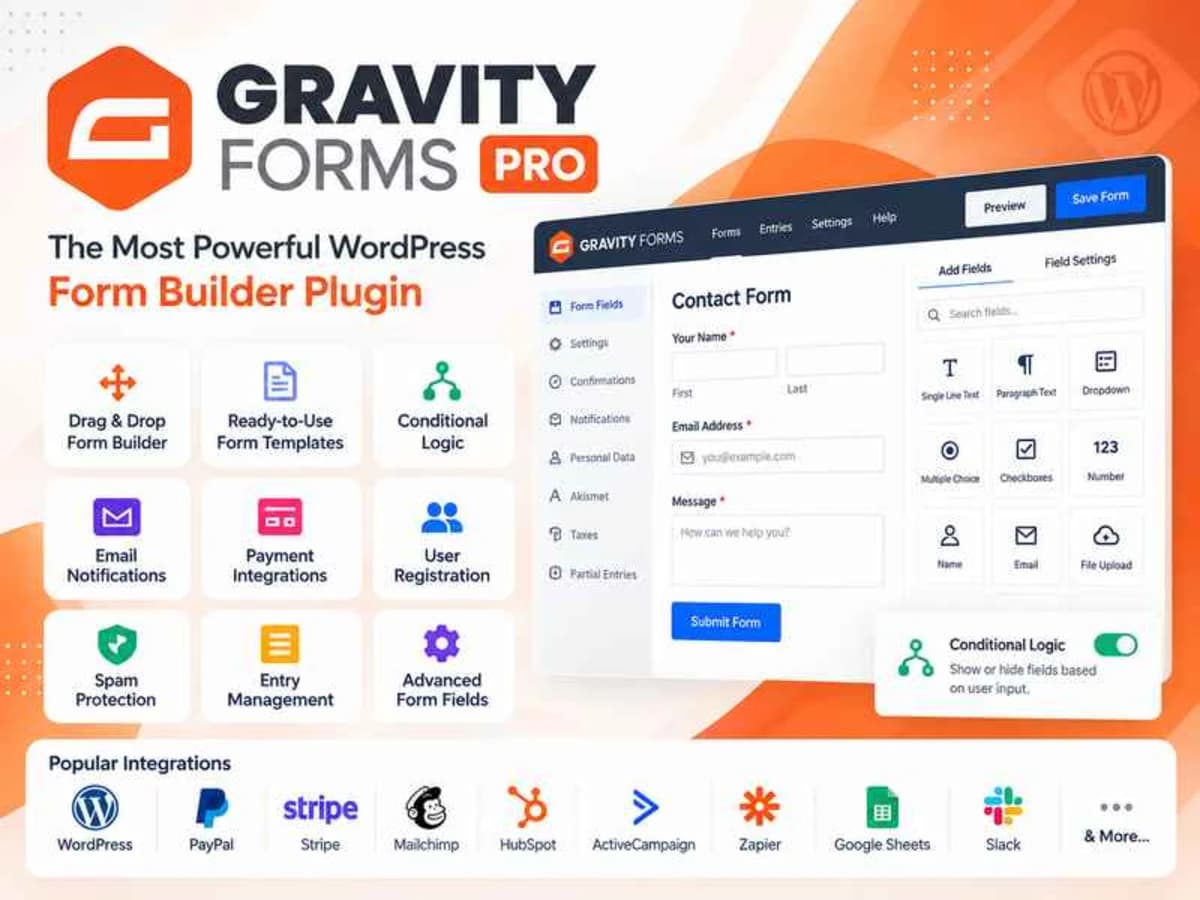
Gravity Form Plugin is a dedicated form builder for WordPress that goes well beyond a simple contact form. If you have ever tried to build a quote request form, a registration form with conditional fields, or a lead capture form that needs to talk directly to your email marketing tool, you know how messy it can get with free form plugins. This plugin solves that by giving you a visual builder where you can create almost any type of form and then connect the submissions to the services you already use.
It is built for freelancers, small business owners, bloggers, and agencies who need reliable data collection without hiring a developer for every form. Instead of embedding third-party forms with iframes or juggling multiple plugins for different email providers, you build everything inside WordPress and push the data where it needs to go. From simple contact forms to multi-page applications with file uploads and payment fields, it keeps all entries organized in your WordPress dashboard.
Core Features and Practical Value
What makes this plugin stay installed on so many client sites is not just that it builds forms, but how well it connects and automates the next steps after someone hits submit.
1. Visual Drag-and-Drop Builder
You get a true visual editor where you can drag in fields like name, email, dropdowns, checkboxes, file uploads, and paragraphs. You can re-order fields, set required rules, add descriptions and placeholders, and see the layout instantly. No shortcode tweaking needed for basic layouts, which saves a lot of time when a client asks for a quick change.
2. Direct Integrations With Popular Email Marketing Services
This is a major strength. The plugin connects directly to services you are probably already using:
Mainstream newsletter platforms: Mailchimp, Constant Contact, AWeber, Campaign Monitor, GetResponse, and Mad Mimi
CRM and automation tools: HubSpot and ActiveCampaign for lead tracking and automation workflows
Other email tools: CleverReach, EmailOctopus, Emma, and iContact
In practice, this means when someone subscribes through your form, they are added to the right list or automation immediately, with custom field mapping and tags, without manual CSV exports.
3. Transactional Email Delivery Support
Form notifications actually reaching the inbox is critical. The plugin works smoothly with transactional email providers like SendGrid, Postmark, and Mailgun. If your WordPress host has unreliable PHP mail, routing notifications through one of these services dramatically improves deliverability for admin alerts and user confirmations.
4. Conditional Logic That Actually Helps
You can show or hide fields, sections, or even confirmation messages based on what the user selects. For example, if a user selects “Request a Quote” you can reveal budget and project details fields, while “General Inquiry” keeps the form short. It keeps forms relevant and improves completion rates.
5. Entry Management Inside WordPress
Every submission is stored as an entry in your dashboard. You can view, search, star, mark as read, add notes, export to CSV, and trigger resend notifications. This is incredibly useful for client sites where they want a central place to review leads before they sync to the CRM.
6. Spam Protection and Notifications Control
You get built-in anti-spam tools including honeypot and reCAPTCHA support, plus full control over notifications and confirmations. You can send different admin emails to different departments based on form selections and show custom confirmation text or redirect to a thank-you page.
Where This Plugin Is Most Useful
Lead Generation That Syncs to Your CRM
Say you run a service website and use HubSpot or ActiveCampaign to nurture leads. You can build a single “Book a Consultation” form, map the name, phone, and service interest fields directly to your CRM, and apply tags automatically. No Zapier workaround needed for the basic connection.
Newsletter Growth Without Double Work
For blogs and e-commerce sites, you can replace the generic Mailchimp embed with a fully styled WordPress form that matches your theme. Create a footer subscribe form or a popup-style form that adds subscribers to Mailchimp, Constant Contact, or GetResponse with double opt-in support and custom groups.
Client Intake and Application Forms
Agencies and coaches often need more detailed intake. You can build a multi-page onboarding form with file uploads for briefs, conditional questions based on project type, and automated email routing — for example, sending web design inquiries to one email and marketing inquiries to another, while saving a backup entry in WordPress.
Product Details
Versiongravity-forms-pro-3.1.1.2.zip
CategoryWordpress Plugins
LicenseGPL
Downloads0
Last Updated28 Sept 2026
What You Get
Original GPL Licensed Files
Unlimited Domain Usage
Instant Download Access
Free Manual Updates
100% Clean & Virus Free
GPL vs Original
| Feature | GPL | Original |
|---|---|---|
| Original Files | ✅ | ✅ |
| Unlimited Downloads | ✅ | ✅ |
| Unlimited Websites | ✅ | ❌ |
| One-Time Payment | ✅ | ~ |
| No License Key | ✅ | ❌ |
| Author Support | ❌ | ✅ |